Overview
Connect your Linear account to DevStats to track issue metrics, cycle time, and team activity across your Linear workspaces.
Authentication Modes
DevStats supports two ways to connect Linear. Choose the one that best fits your team's setup.
| Mode | Best for |
|---|---|
| Add new teams from Linear | Connecting Linear teams for the first time |
| Teams Already in DevStats | Reusing teams already connected in another squad |
Option 1: Add New Teams from Linear
Steps
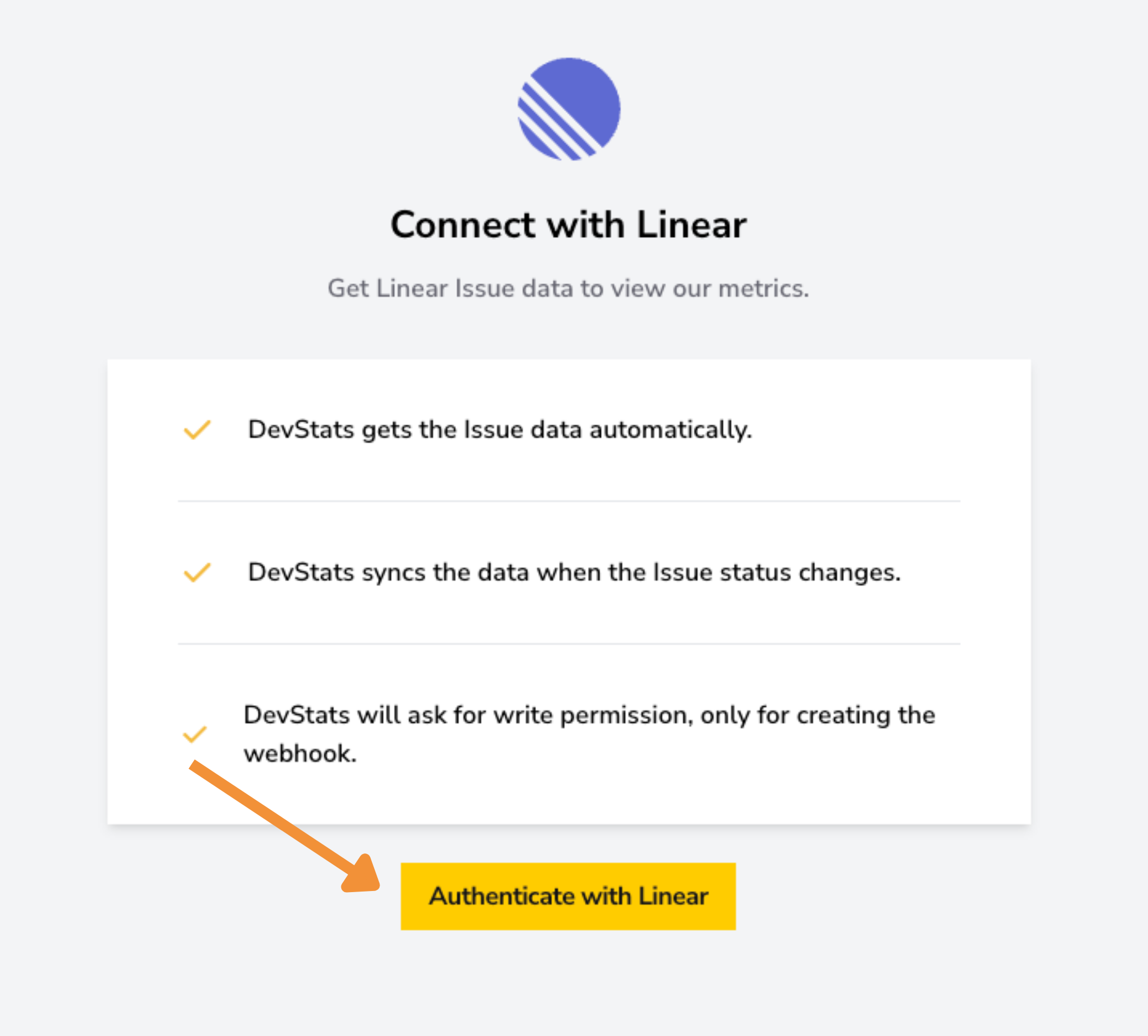
1. From your squad, click Authenticate with Linear. You'll be redirected to log in to Linear.
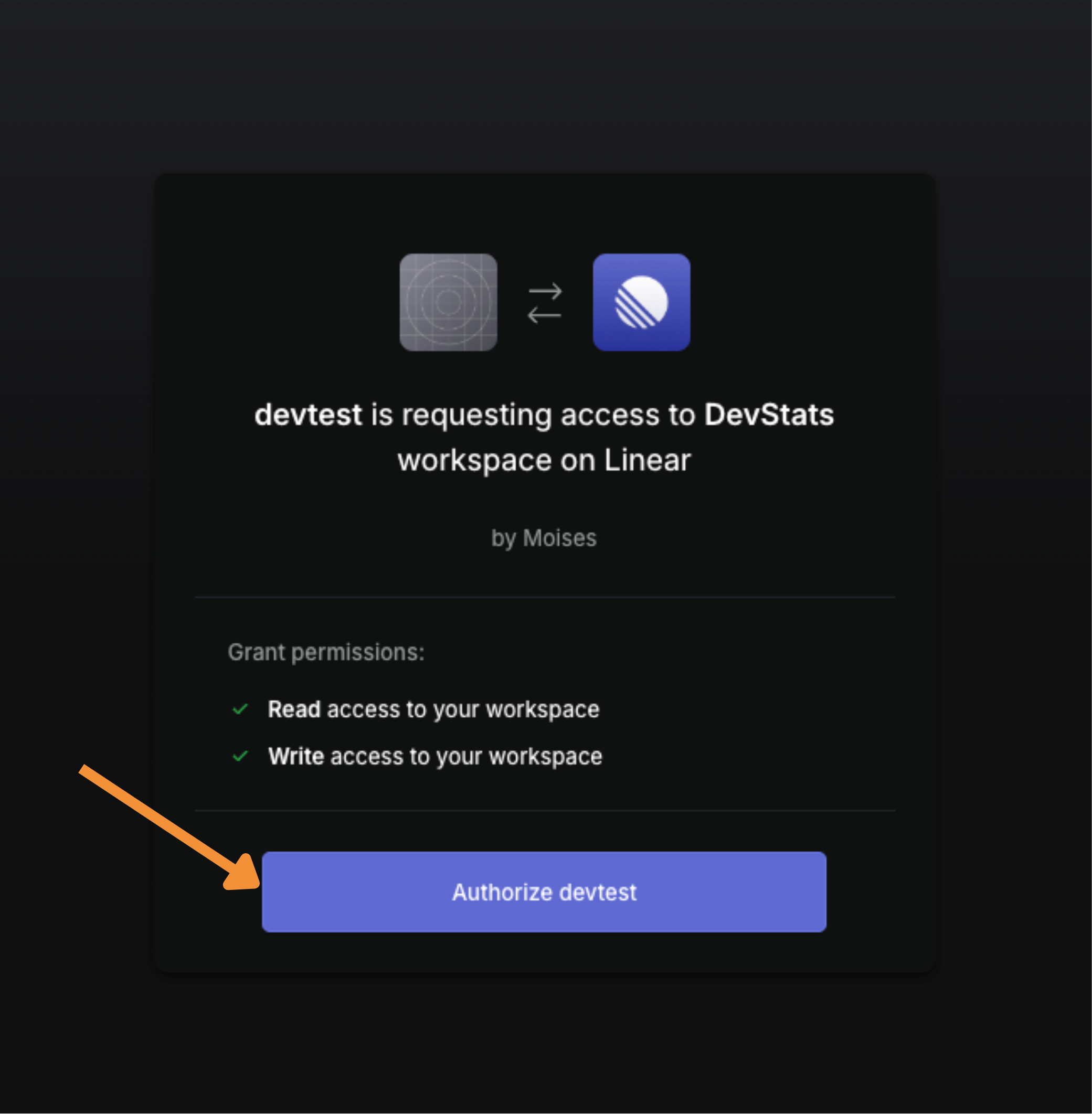
2. On the Linear authorization page, click Authorize to grant DevStats access to your workspace.
3. Back in DevStats, select Add new teams from Linear as the team source.
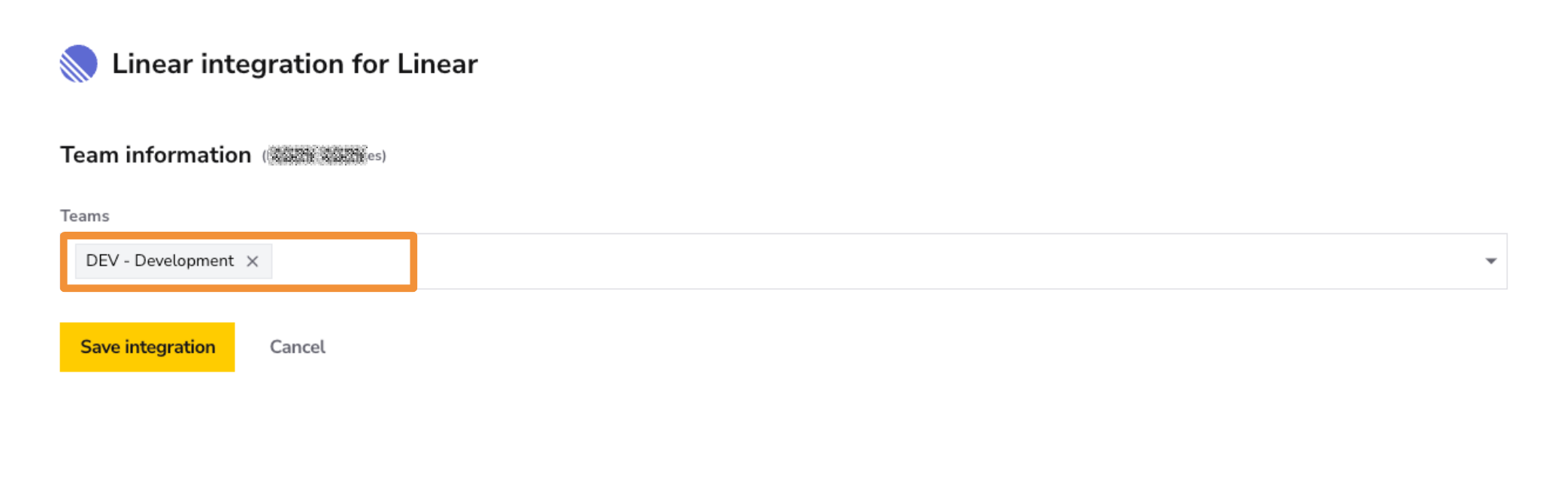
4. Select the teams you want to track for this squad and click Save Integration.
Option 2: Teams Already in DevStats
If you have already connected Linear teams in another squad, you can reuse that connection without re-authenticating.
Steps
1. From your squad, click Authenticate with Linear.
2. Select Teams already in DevStats as the team source.
3. Select the teams you want to add to this squad and click Save Integration.
What Happens Next
After saving your integration, DevStats will begin importing your historical data. Depending on the size and history of your workspace, processing can take anywhere from one hour to over a day. You will receive an email notification once your dashboards are ready.