What is the Open PRs Feature?
The Open PRs Dashboard provides a clear view of pull requests that are still open and awaiting merge or closure. It tracks how long each PR remains open, highlighting the team’s merge and review efficiency. A PR automatically disappears from this dashboard once it is merged or closed, ensuring that the view always represents only active, in-progress work.
Metrics
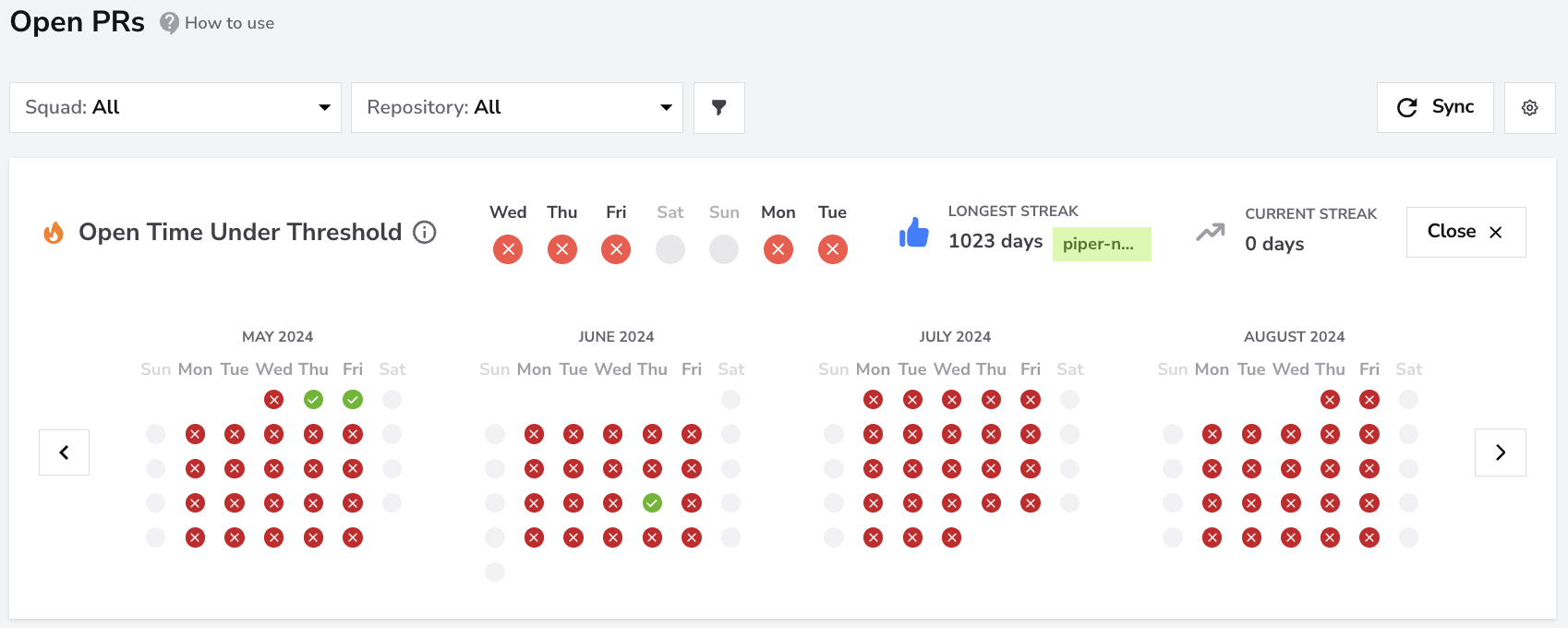
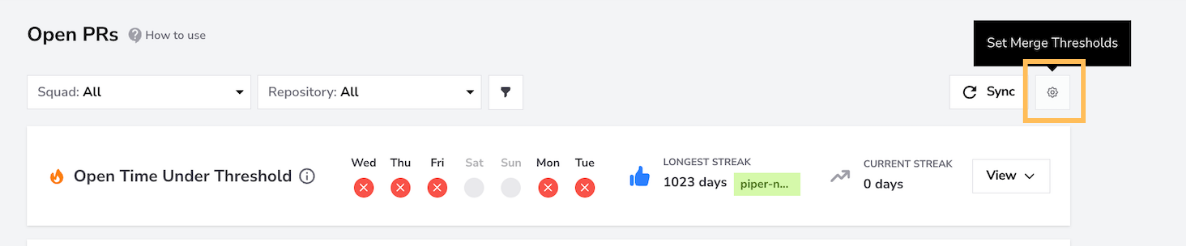
Open Time Under Threshold
- What:
This visual indicator and streak counter display the team’s performance in reviewing pull requests within the configured time threshold.
The default limit is 1 day, but you can adjust it per repository in the Review Threshold Settings ⚙️.
Each day in the calendar represents whether all PRs were reviewed within that limit:
- Green Check Mark (✅) – all PRs met the threshold for that day.
- Red Cross (❌) – one or more PRs exceeded the threshold.
- Gray Dot (•) – no PRs were opened that day.
The Longest Streak and Current Streak counters show consecutive days that your team met the goal across repositories, helping you track review consistency and reliability over time.
- How to Use It:
Regularly monitor the indicator to keep PR reviews moving efficiently.Use thresholds to set realistic goals by repository.Encourage the team to maintain or beat the streaks.Combine with the Sync button 🔄 to check the latest streak data after PR updates.A consistent streak signals fast feedback cycles and healthy code review culture.
- User interface:
New PRs
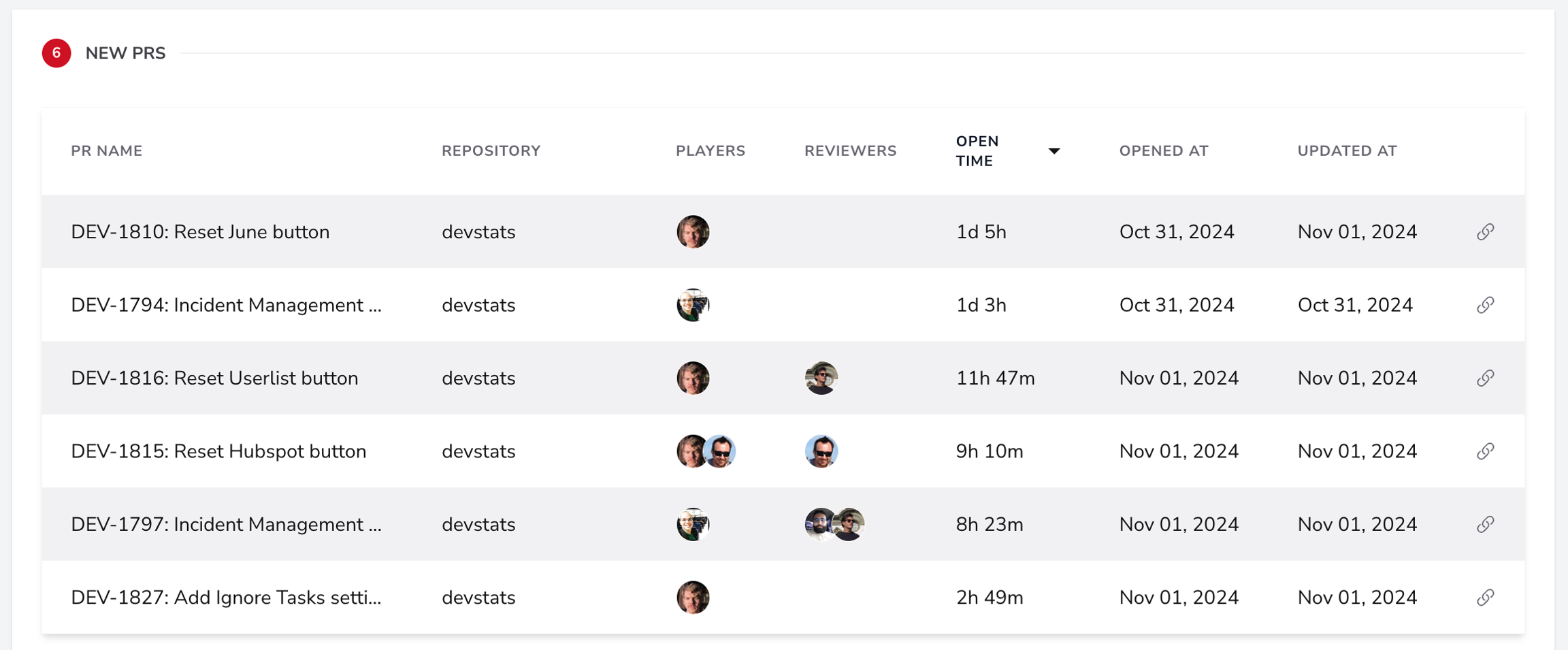
- What: Lists newly created PRs that are currently open, including key details like PR name, repository, contributors, reviewers, open time, and last update.
- How to Use It: Use this section to monitor recently opened PRs and prioritize reviews for any PRs that have been open longer than expected.
- User interface:
Previously Merged PRs
- What:
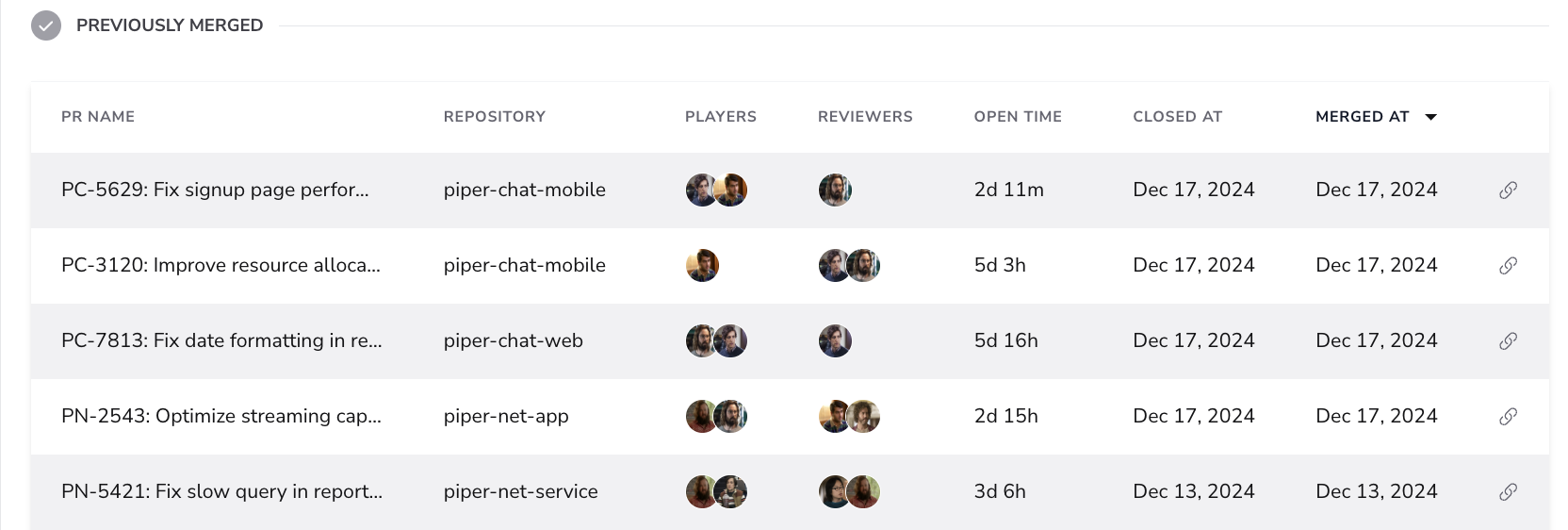
Displays pull requests that have been merged or closed, showing details such as PR name, repository, contributors, reviewers, open time, close date, and merge date.
This section helps teams analyze completed work and understand how long PRs stayed open before resolution.
- How to Use It:
Review this section to confirm that merged or closed PRs are moving smoothly through the pipeline.
Look for any recurring patterns in PRs with longer open times to identify possible improvements in review and merge practices.
- User interface:
Sync Button
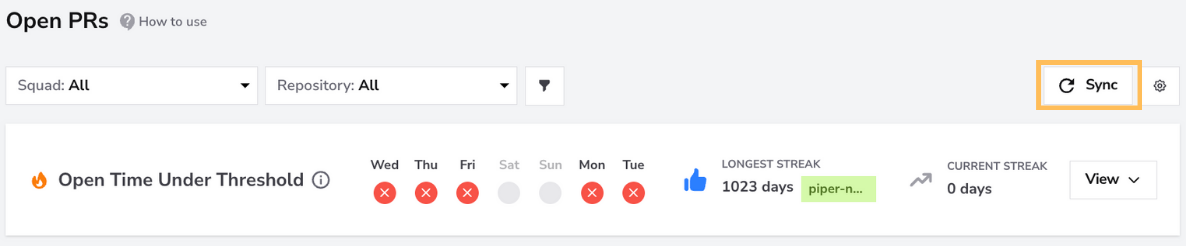
The Sync button manually fetches data from your connected repositories when you suspect some pull requests might be missing from the report.
This action retrieves data from external services and may take a few minutes to complete. You usually don’t need to run it manually, as the dashboard updates automatically at regular intervals.
Use Sync only when:
- recent pull requests aren’t appearing in the list,
- streak data looks outdated,
- or new repositories were just added to the squad.
This ensures the dashboard always reflects the most recent state of open pull requests.
Merge Threshold Settings
The Merge Threshold Settings let each team define how many days a pull request can stay open — regardless of whether it’s eventually merged or closed — before it’s considered delayed. This makes the streak metric align with your team’s actual merge or closure goals rather than a fixed 24-hour rule.
How to set Merge Thresholds
- Enter the desired number of days in Max days waiting for merge.
- Select one or more repositories.
- Click Apply to Selected Repositories to save.
Once applied, DevStats will track your streaks based on these thresholds.
For example, if you set 2 days as the limit, only PRs merged or closed within two days of opening will count toward your Open Time Under Threshold streak.
Filters
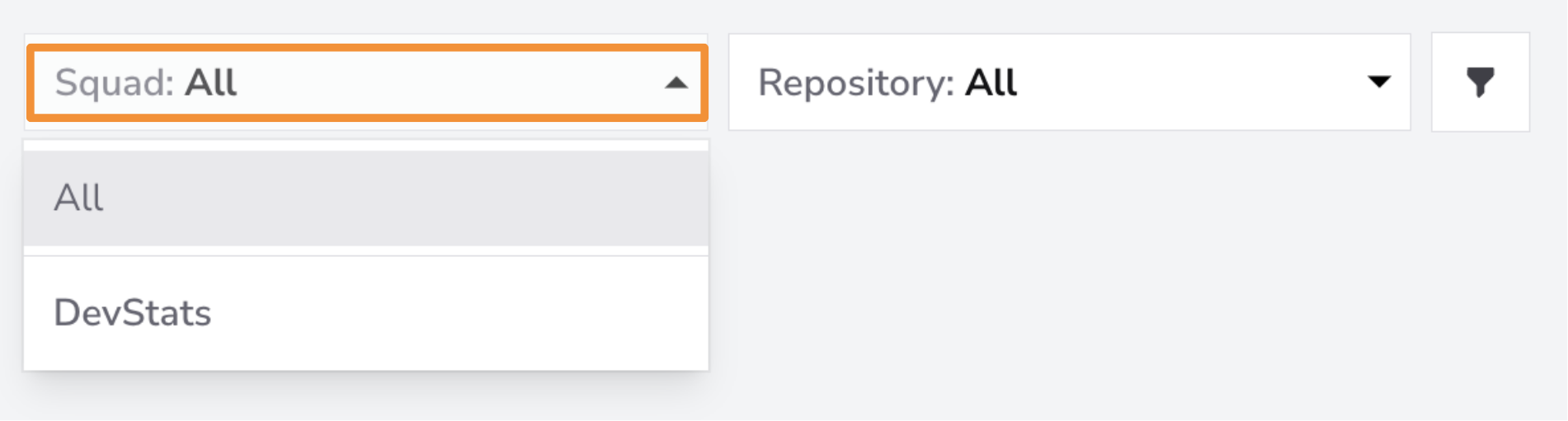
Use the Squad Filter to view the Open PRs for individual squads. If you want a broader overview of all teams, select the "All" filter to see the Open PRs across all squads at once.
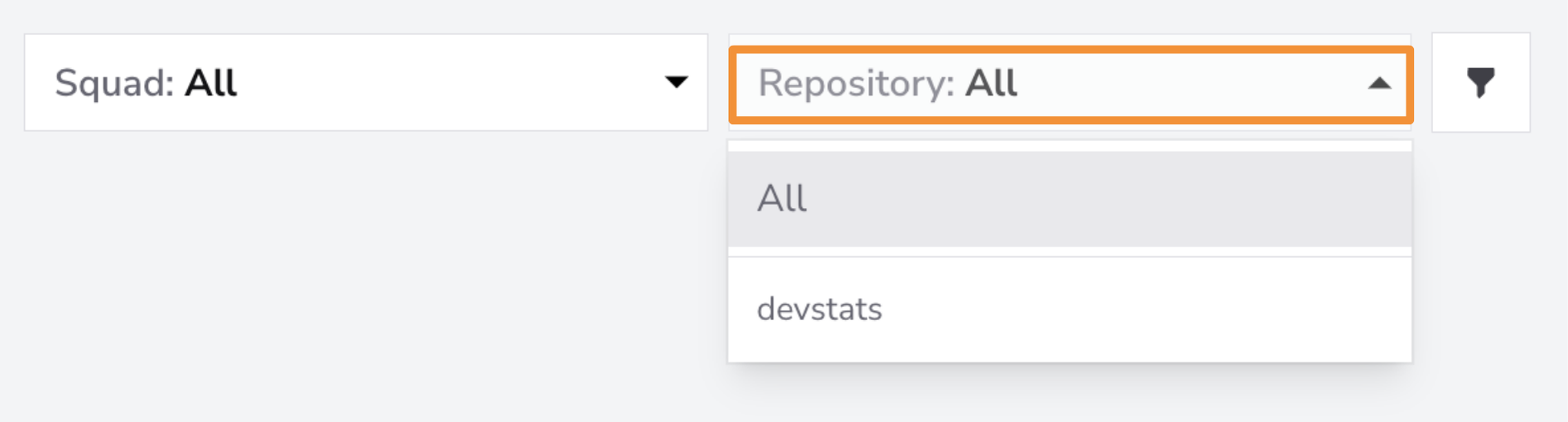
Use the Repository Filter to focus on specific repositories or view Open PRs across all repositories. This is particularly useful when you want to analyze Open PRs in individual repositories, such as focusing on a key repository. By filtering at this level, you can track Open PRs within the context of specific codebases.
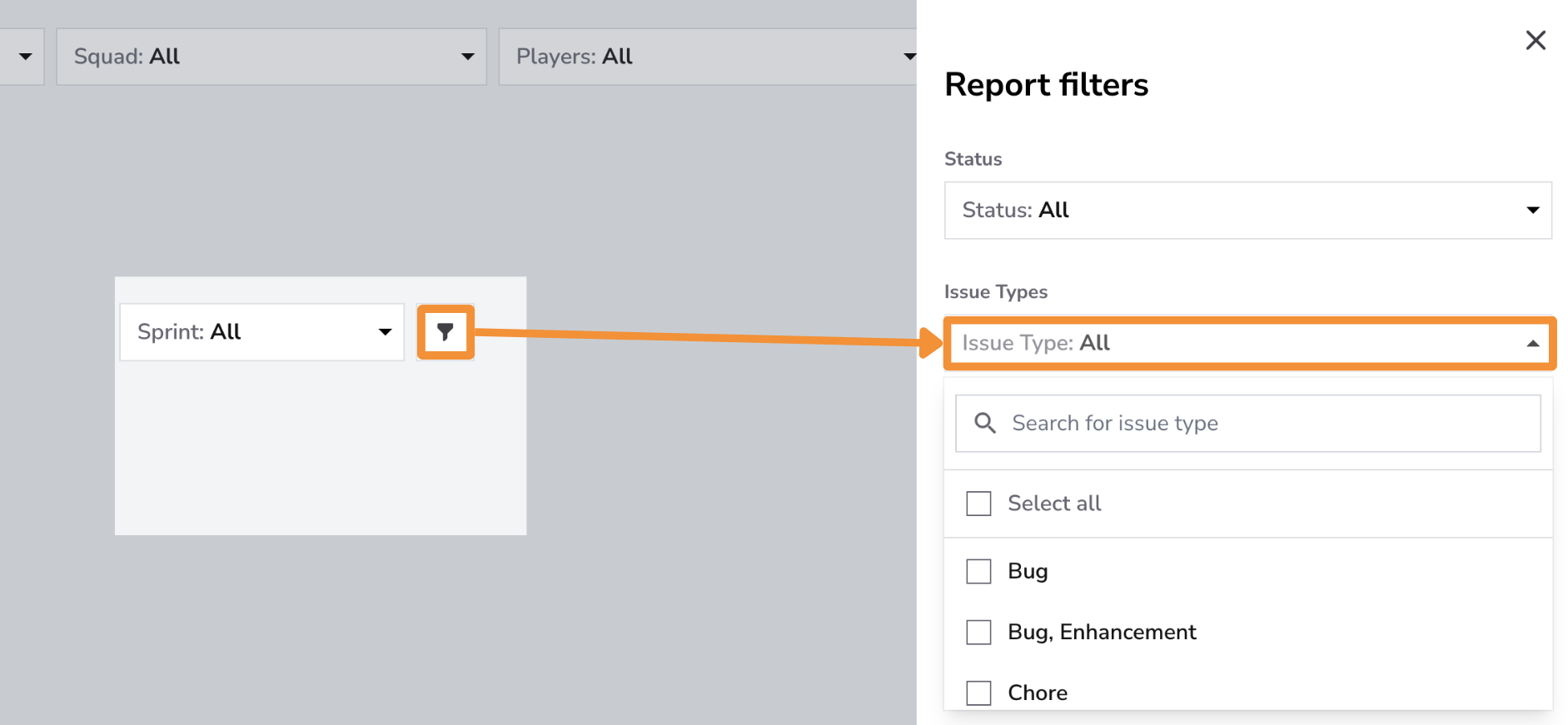
The Issue Type Filter lets you narrow down data by types of issues, such as Features, Bugs, Enhancements, or Hotfixes. This filter is useful for tracking how long a PR stays open for specific issue types.
Explore Best Practices
Conclusion
The Open PRs Dashboard is essential for maintaining an efficient development process, ensuring that pull requests are promptly integrated (merged or closed). By keeping a close eye on open times, fostering a culture of quick feedback, and tracking progress over time, teams can enhance collaboration, reduce delays, and maintain a high velocity of development.