The Sprint Planning and Execution feature helps teams effectively track and manage their sprint activities by providing detailed metrics on task management, completion rates, and sprint performance. It offers insights into critical areas such as total tasks, tasks added late, carryovers, and completion rates, enabling teams to identify trends and optimize their workflow.
Metrics
The Sprint Planning feature offers a comprehensive set of metrics to monitor your sprint activities:
Total Tasks (All)
What: Displays the total number of tasks or story points managed within the selected period.
Why it matters: Provides a complete overview of the team's workload and sprint capacity.
How to use it: Compare task commitment and completion rates across different sprints to identify trends in how tasks are managed and executed. This helps spot patterns in team performance and areas for improvement in sprint planning.
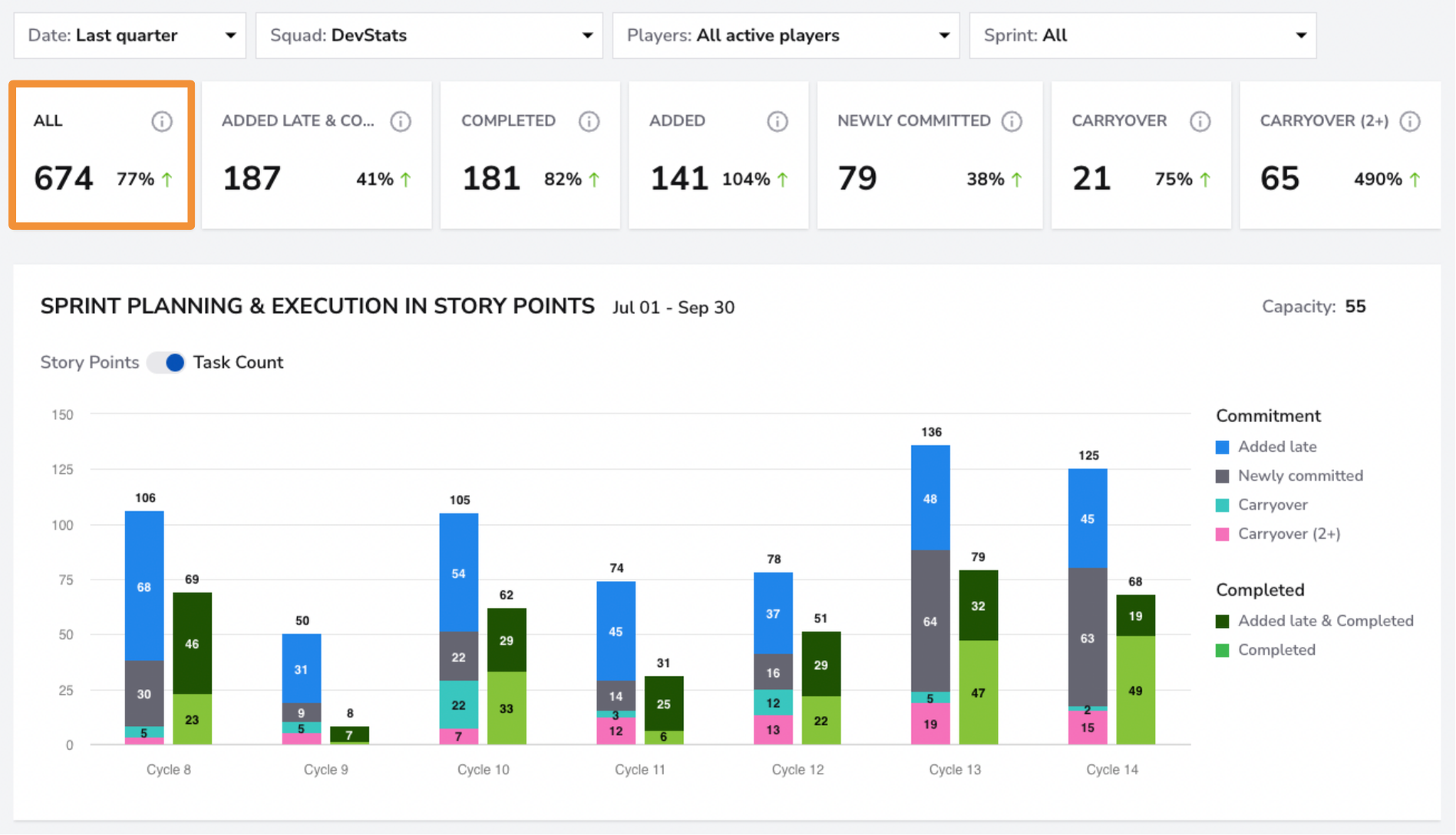
Example: This example highlights sprint planning and task completion for the last quarter. For each sprint cycle, you can see both the number of tasks committed and those completed, providing a useful high-level overview of your sprint performance.
Added Late & Completed
What: Shows the number of tasks added late to the sprint but were still completed.
Why it matters: Late additions can disrupt focus. Tracking completion shows the team's ability to manage unexpected changes.
How to use it: Use the percentage change to evaluate the team’s adaptability and refine sprint planning.
Example: Identify trends in the number of tasks added late to a sprint but still completed. Tracking these changes can provide insights into how well your team handles unexpected work and whether late additions are becoming more common or better managed.
Completed Tasks
What: Represents the total number of tasks completed during the sprint.
Why it matters: A core measure of productivity, reflecting how much work was accomplished.
How to use it: Track the completion rate to determine whether sprint goals were met and whether the team is becoming more efficient.
Example: Explore the details of your completed tasks to understand their types. You can distinguish between tasks that were, for example, newly committed during the sprint and those carried over from previous sprints.
Tasks Added
What: Displays the number of new tasks added during the sprint period.
Why it matters: Helps track scope changes within the sprint.
How to use it: Analyze the percentage change to assess how often new tasks are introduced and whether they affect focus.
Example:
Newly Committed Tasks
What: Shows the number of tasks newly committed during the sprint.
Why it matters: This metric indicates how much of the team’s work was formally planned versus added later.
How to use it: Monitor to ensure commitment levels align with the sprint goals.
Example: Over the last 90 days, the number of newly committed tasks has increased by 20%. It's important to monitor newly committed tasks to avoid overcommitting and to stay aligned with the original sprint roadmap, ensuring that priorities remain clear and achievable.
Carryover Tasks
What: Represents tasks not completed within the sprint that were carried over to the next sprint.
Why it matters: High carryover suggests inefficiency or poor sprint planning.
How to use it: Reduce carryover to improve sprint completion rates and streamline workflows.
Example: Monitoring carryover tasks is essential, as it can indicate a trend of missing sprint goals, increasing technical debt, reduced developer motivation, or overplanning. In this example, there's a 15% decrease in task carryover, suggesting that your team is becoming more efficient and improving in sprint planning.
Carryover Tasks (2+)
What: Displays tasks carried over for more than two sprints.
Why it matters: Tasks that remain unfinished over multiple sprints can signal persistent bottlenecks or misallocation of resources.
How to use it: Focus on resolving these tasks to avoid tech debt and workflow issues.
Example: It’s important to track tasks carried over for more than two sprints, as they can signal persistent bottlenecks, growing technical debt, or misaligned priorities. In this example, there's a significant increase of 121% in tasks carried over for 2+ sprints, indicating a need to reassess workload distribution and sprint planning to prevent long-term delays and inefficiencies.
Sprints Dashboard
The feature includes a bar chart that visually represents sprint planning and execution over a selected period. Below the chart, you can find a list of all tasks in the selected view.
The chart includes:
Sprint Breakdown: Each cycle represents a sprint within the selected period, showing the distribution of tasks based on their status.
Commitment Categories:The first bar in each cycle represents tasks that were added late to the sprint, newly committed tasks, and tasks carried over from previous sprints.
Completion Status:The second bar in each cycle shows tasks completed during the sprint, including those added late but still completed.
Filters
Use the Squad Filter to view sprint planning and execution metrics for individual squads. If you want a broader overview of all teams, select the "All" filter to see the performance across all squads at once.
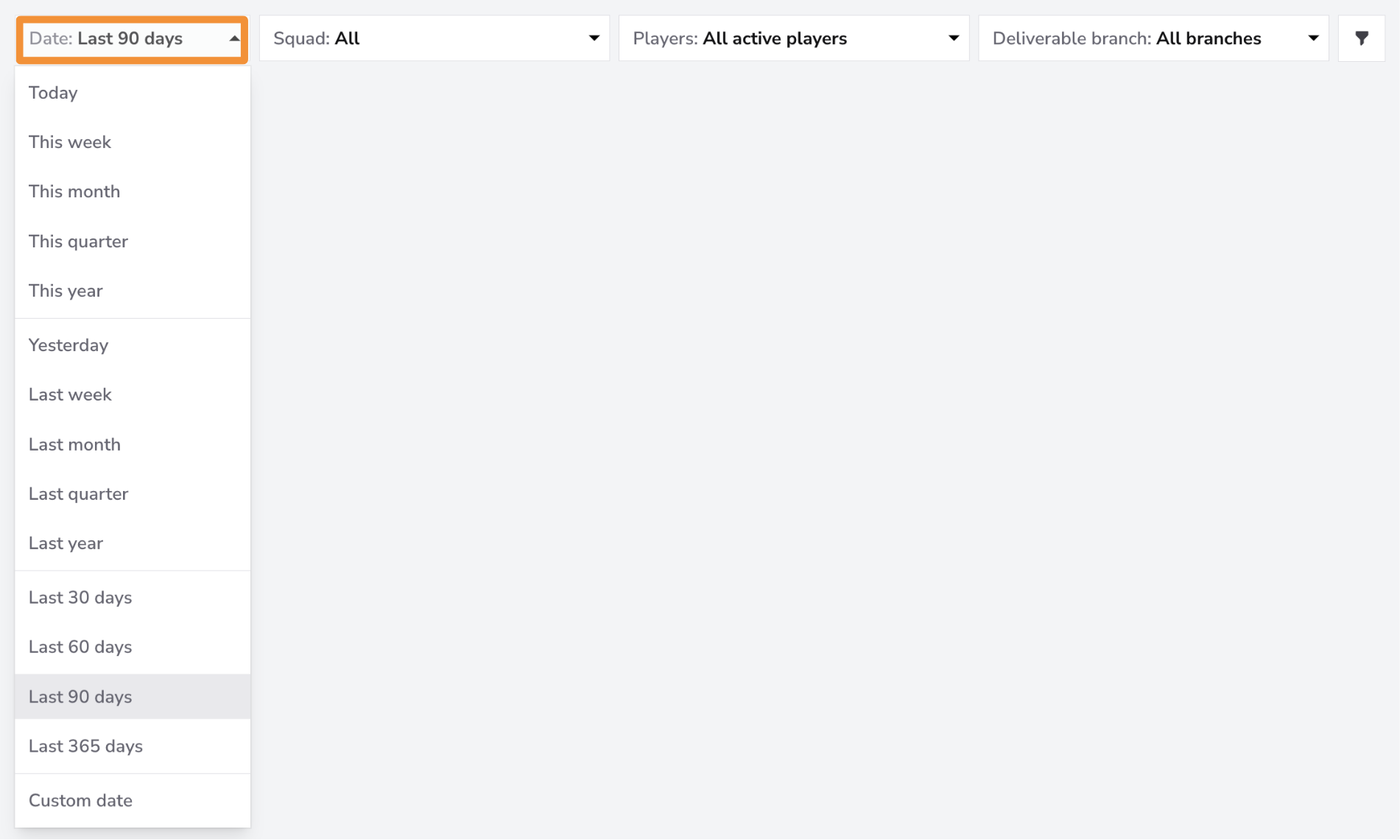
The Date Filter allows you to view data for specific time periods. You can filter for the last month, quarter, or 365 days. You can filter by a custom date range if you need more granular control.
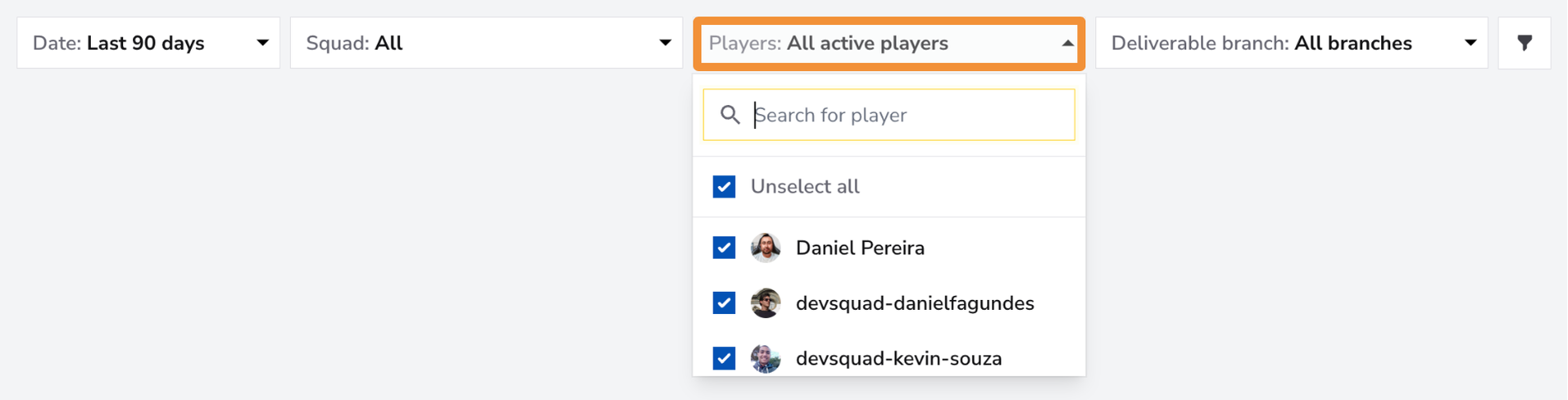
Use the Players Filter to focus on individual team members or a specific group within your squad. You can select one member for a detailed view, a group of team members if they form a sub-squad, or all team members for an overview of the entire squad's performance.
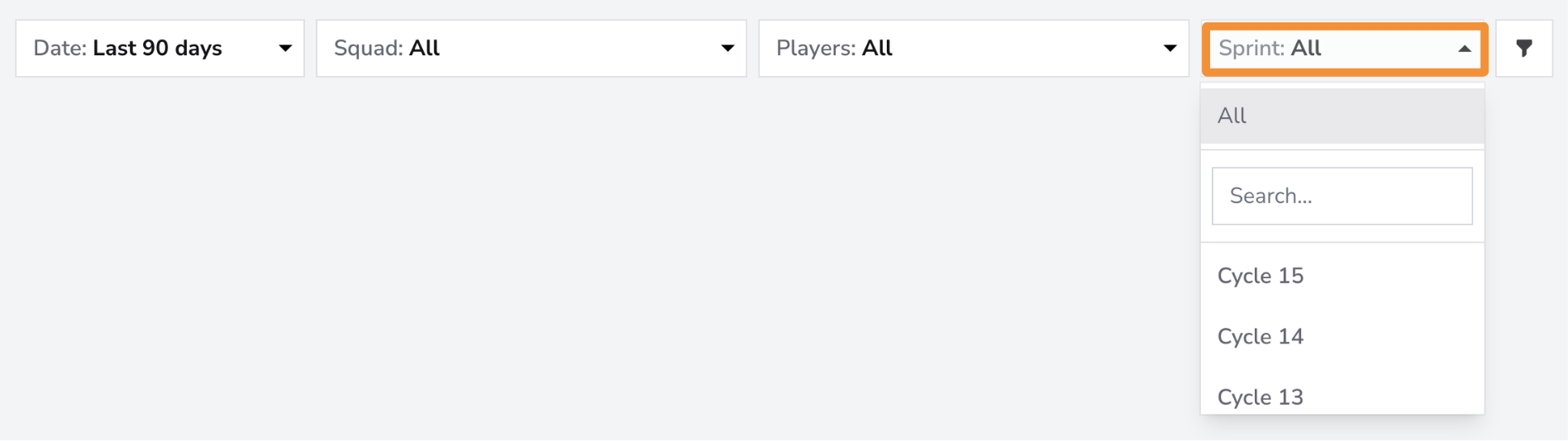
Use the Sprints Filter to focus on specific sprints or all sprints. Select individual sprints to analyze their planning and execution in detail, or choose "All" sprints for a comprehensive overview of your team's performance across the entire sprint history.
The Sprint Planning and Execution feature provides clear insights into task management and sprint performance. By leveraging detailed metrics and visualizations, teams can improve planning, reduce carryover tasks, and enhance overall efficiency, leading to better sprint outcomes.