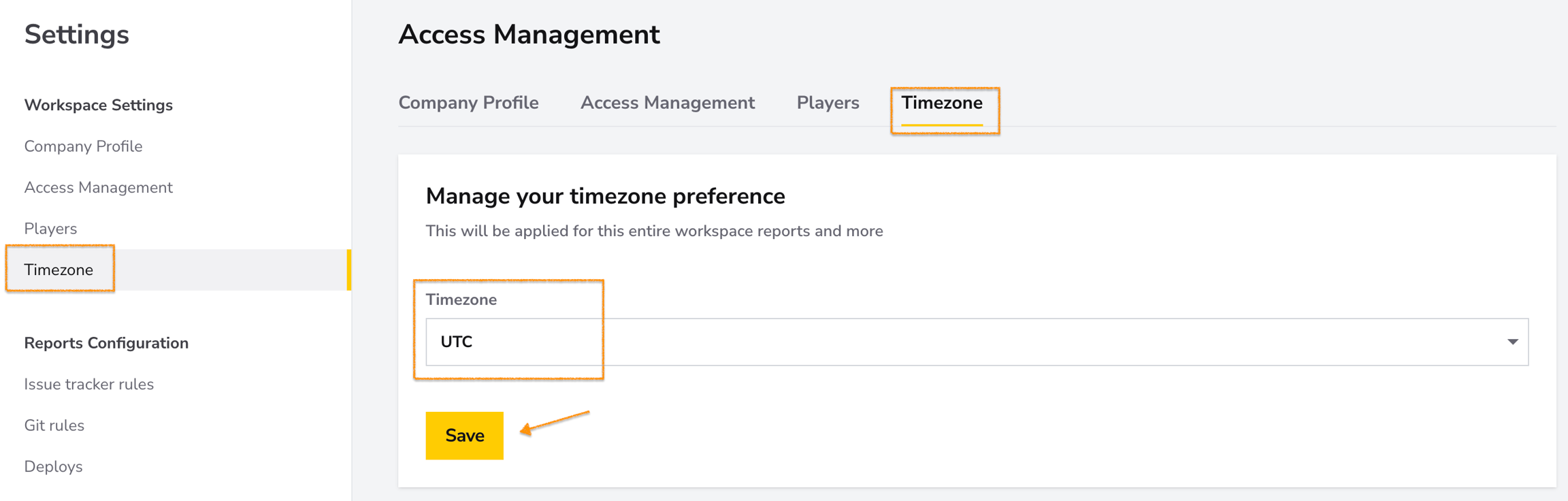
The Timezone Settings page allows you to set a default timezone for your DevStats workspace. This ensures that all reports, dashboards, and timestamps align with your team's preferred timezone for consistency and accuracy.
How-to: Configure Your Timezone
- Navigate to Timezone in the settings menu.
- Use the dropdown to select your preferred timezone, such as UTC.
- Click Save to apply it to the workspace.