Overview
This guide explains how to connect your Bitbucket account with DevStats to allow us to track metrics for you.
Steps
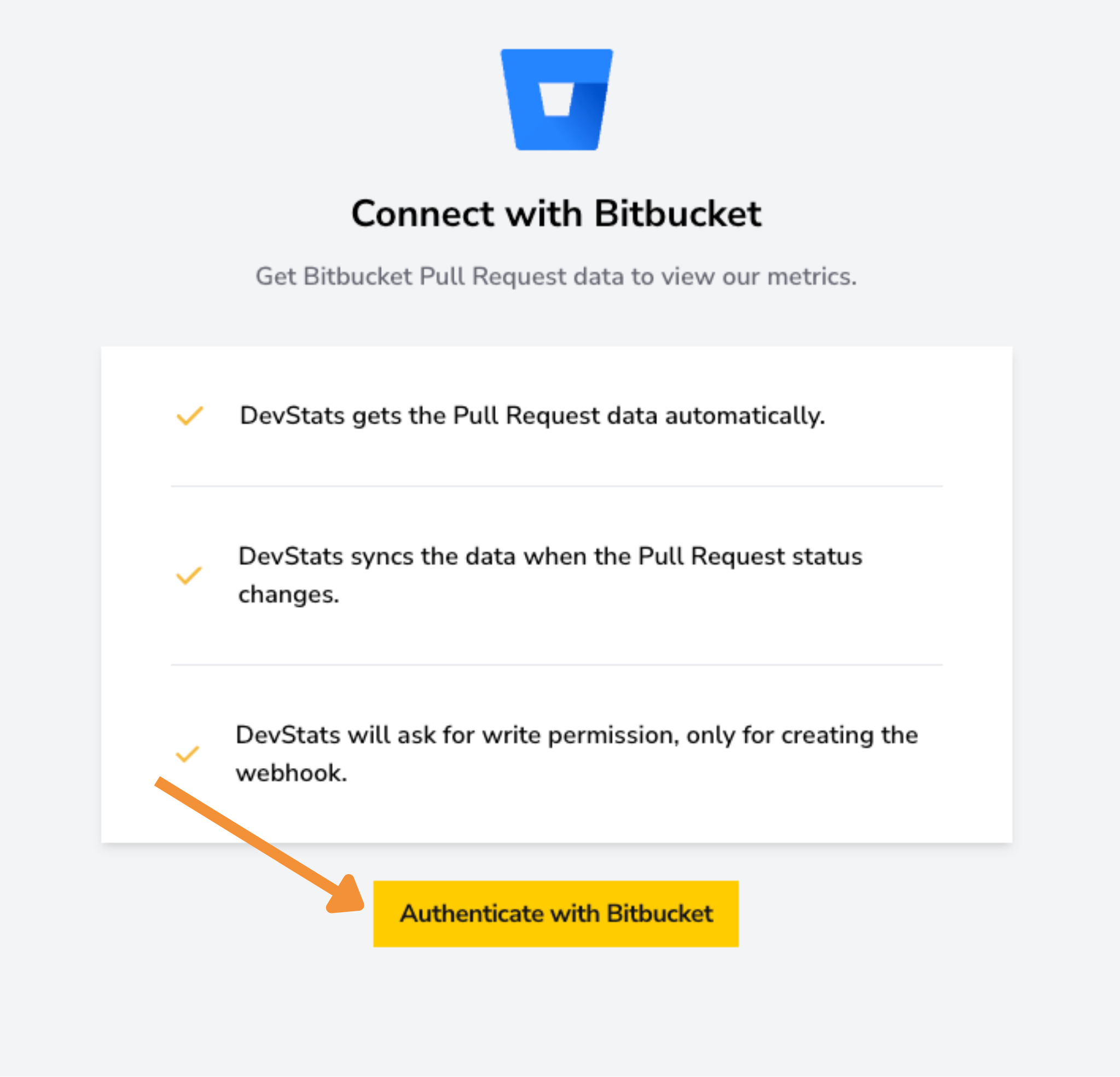
- Click the "Authenticate with Bitbucket" button. You will be redirected to Bitbucket to log in.
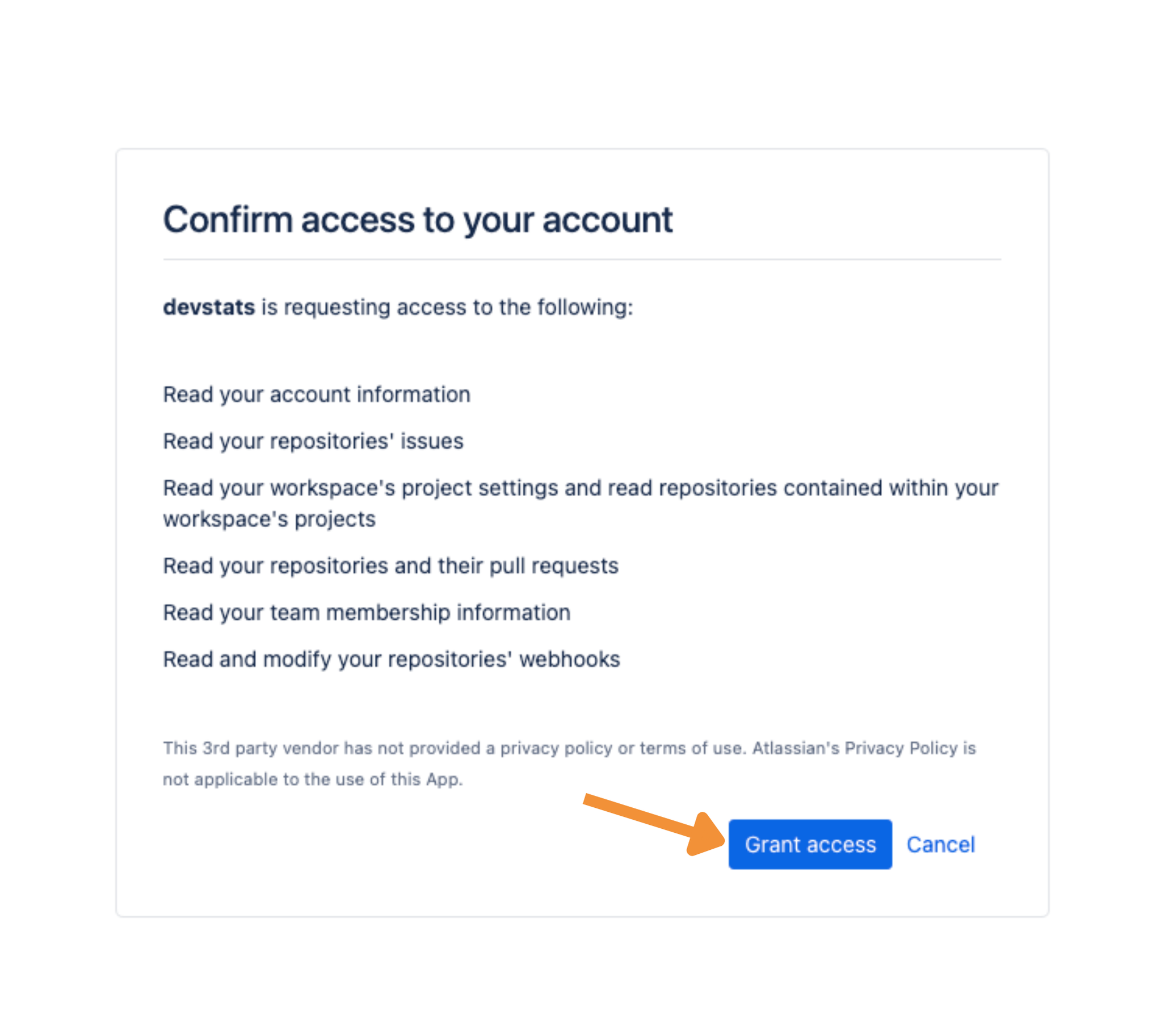
- After logging in, grant DevStats access to your repositories so we can start tracking metrics.
Important:To complete the integration successfully, your Bitbucket user must have Admin permissions on the repository (or project). If you do not have admin access, the integration may fail or remain incomplete.
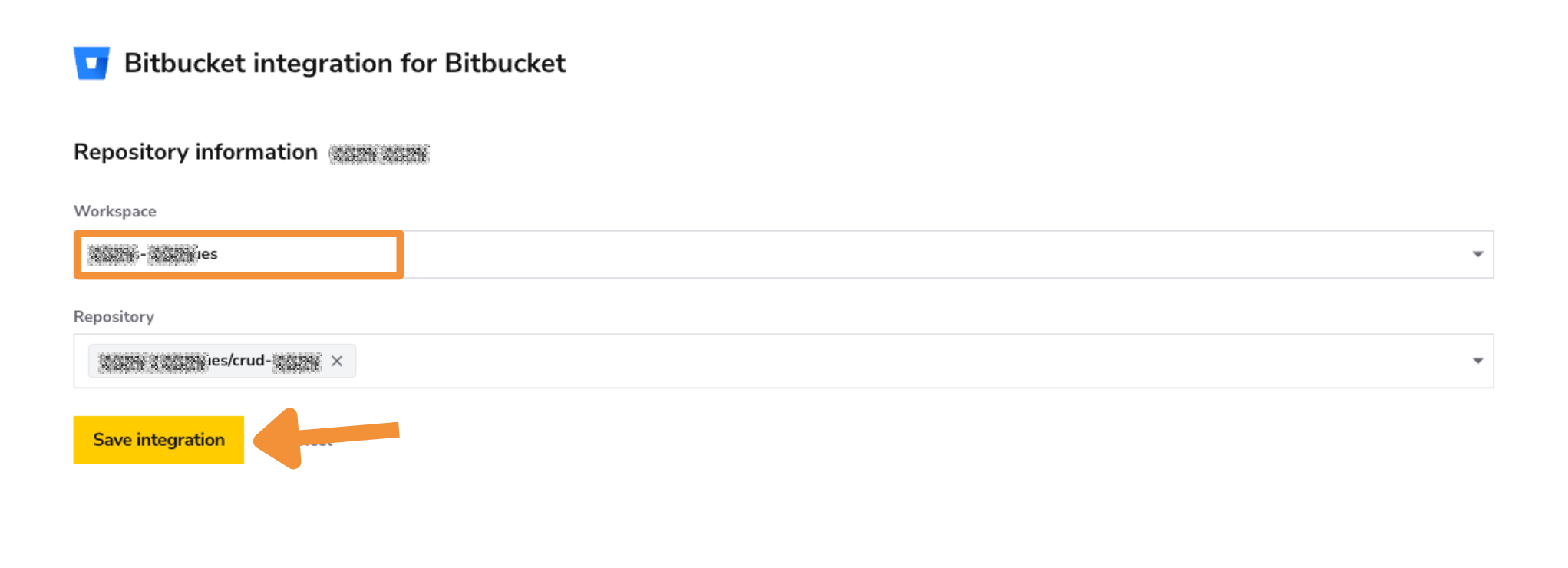
- Select the workspace and then choose the repository or project you want DevStats to track for this squad.
- Choose the project you want DevStats to track for this squad and click Save Integration. You can select your workspace first and then search for repositories you want to add.
✅ Verify Integration
After saving the integration, you may see a message indicating that data is being processed.
- Processing time depends on the size and history of the repository
- It can take from about one hour to over a day
If the integration does not complete as expected, please double-check that:
- The authenticated Bitbucket user has Admin access
- The correct repository was selected